
How to use the EconTutorials Teacher Packs
A step-by-step guide for teachers and lecturers: what is in each pack, how to plan your year, how to teach one chapter from start to finish, and how to use the slides, worksheets, tests, exams and computer labs with your classes.
1. Choose the pack for your subject
There is one Teacher Pack for each subject. Every pack follows the chapters of its Made Simple textbook, and the textbook and practice book are included, so your lessons, your students’ reading and their homework always line up.
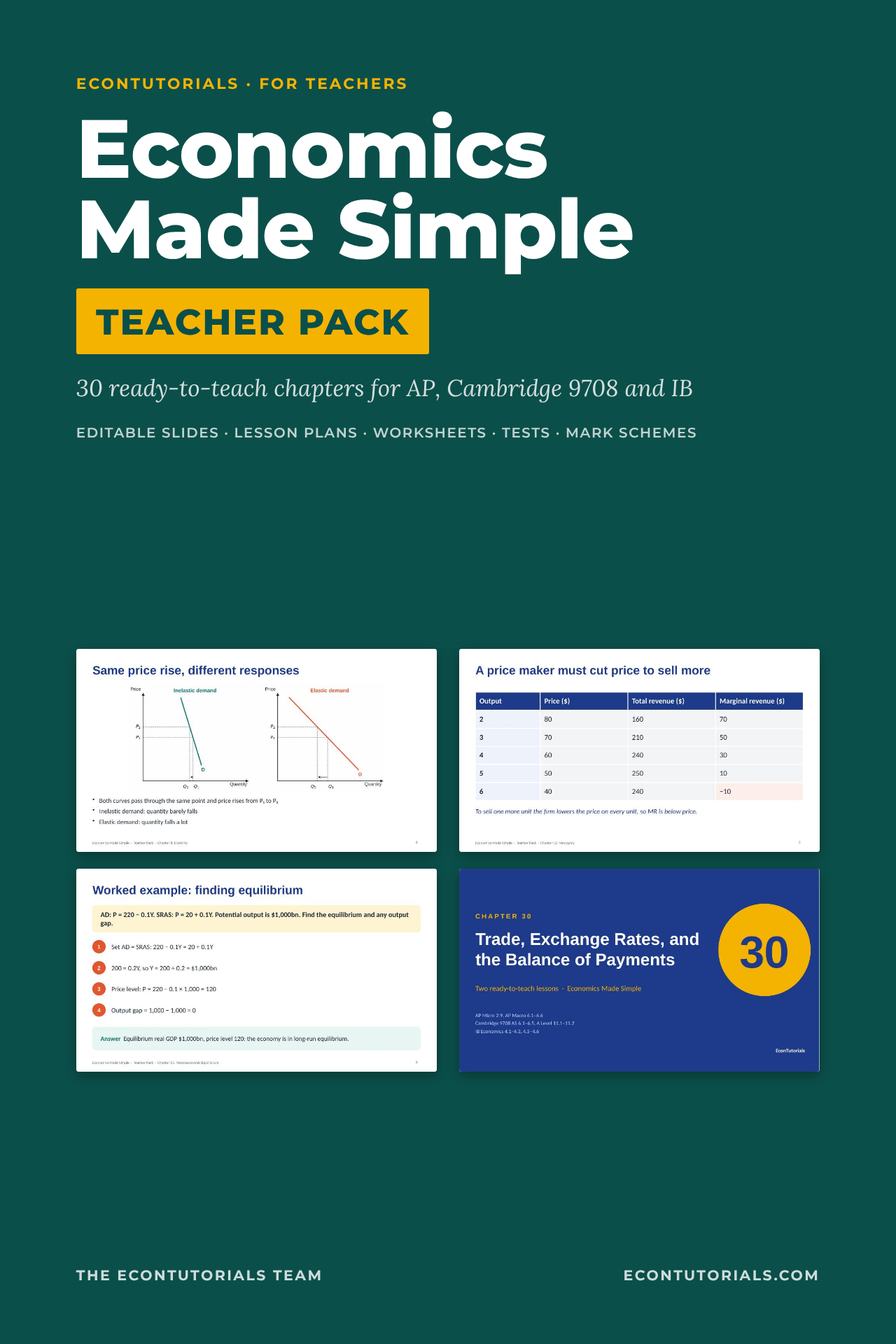
Economics
- 30 chapters, 670 slides
- 60 lesson plans
- AP Micro and Macro, Cambridge 9708, IB Economics
$77$49
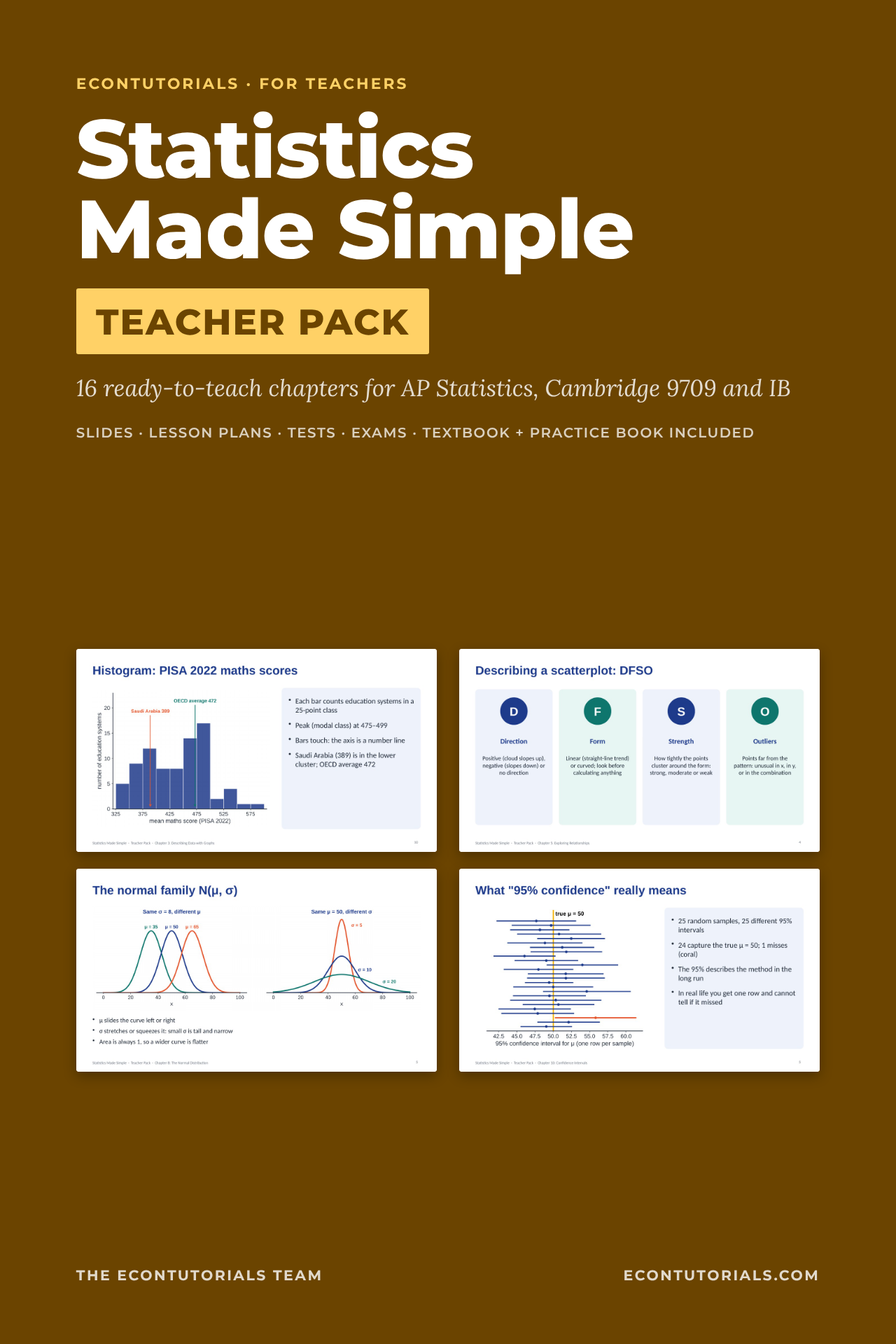
Statistics
- 16 chapters, 349 slides
- 32 lesson plans
- AP Statistics, Cambridge 9709 S1/S2, IB, first-year university
$60$39
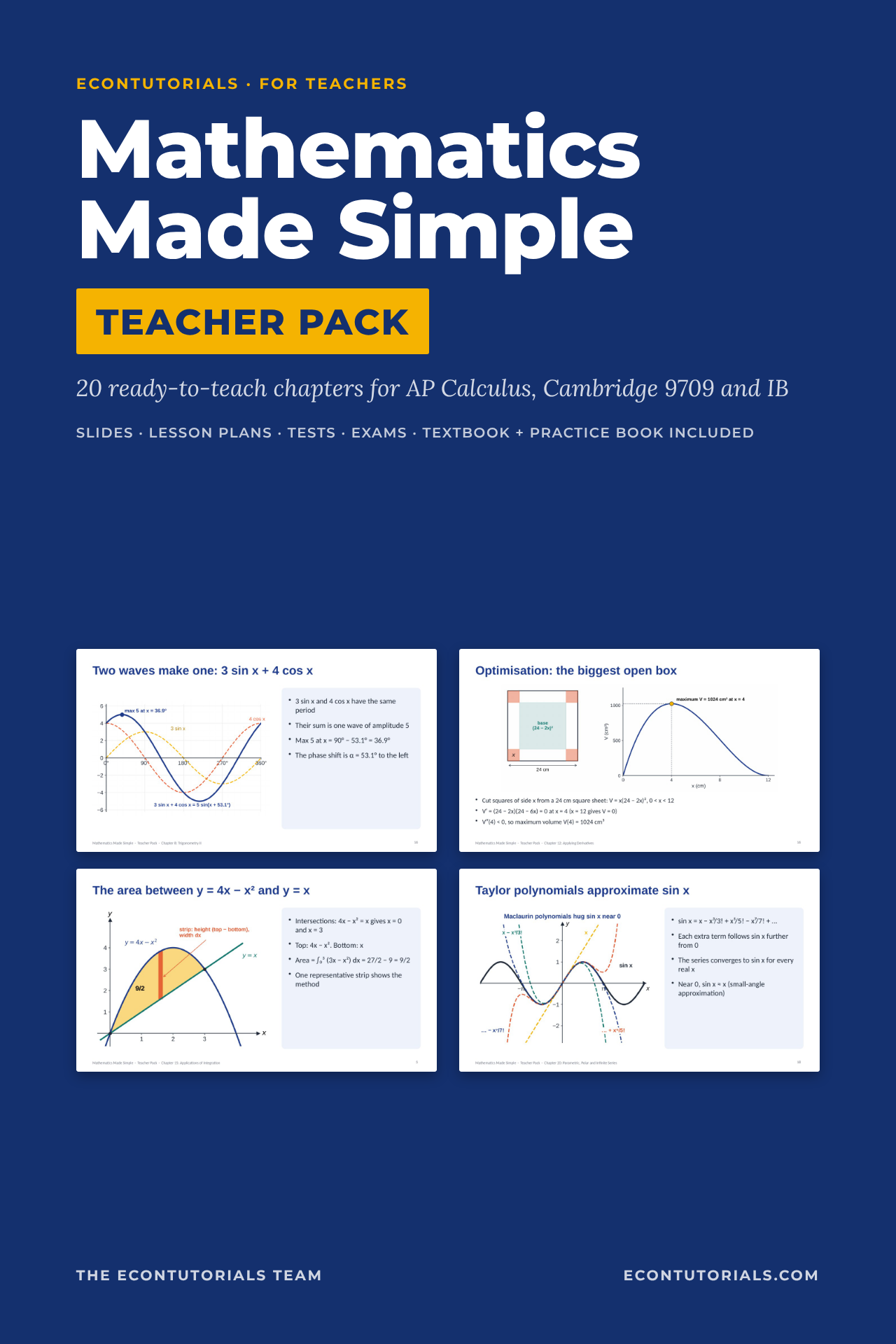
Mathematics
- 20 chapters, 458 slides
- 40 lesson plans
- AP Calculus AB/BC, Cambridge 9709 Pure, IB Maths AA
$60$39
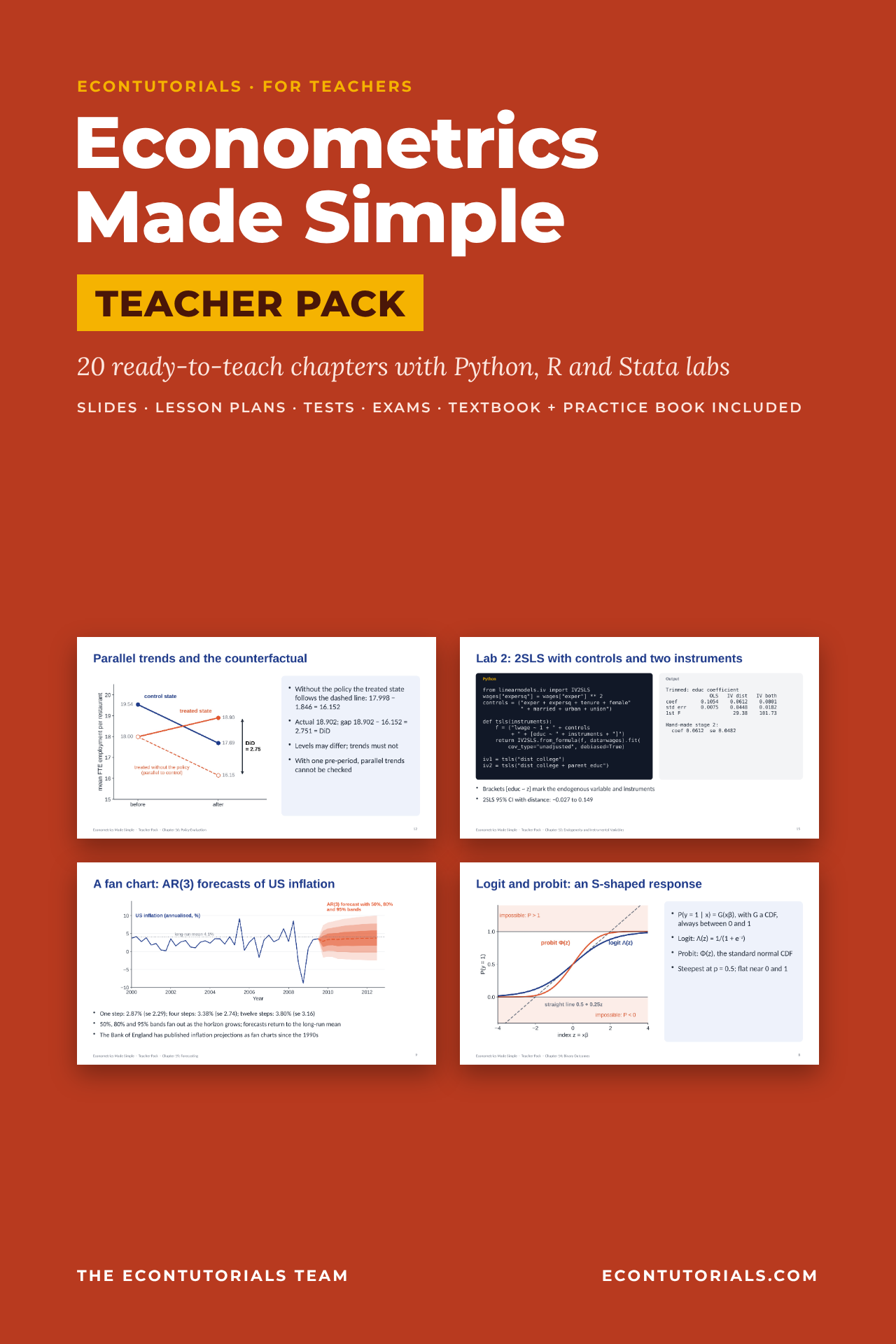
Econometrics
- 20 chapters, 473 slides
- 40 lesson plans with Python, R and Stata labs
- University modules, master’s, dissertations, IB EE
$60$39
Teach more than one subject?
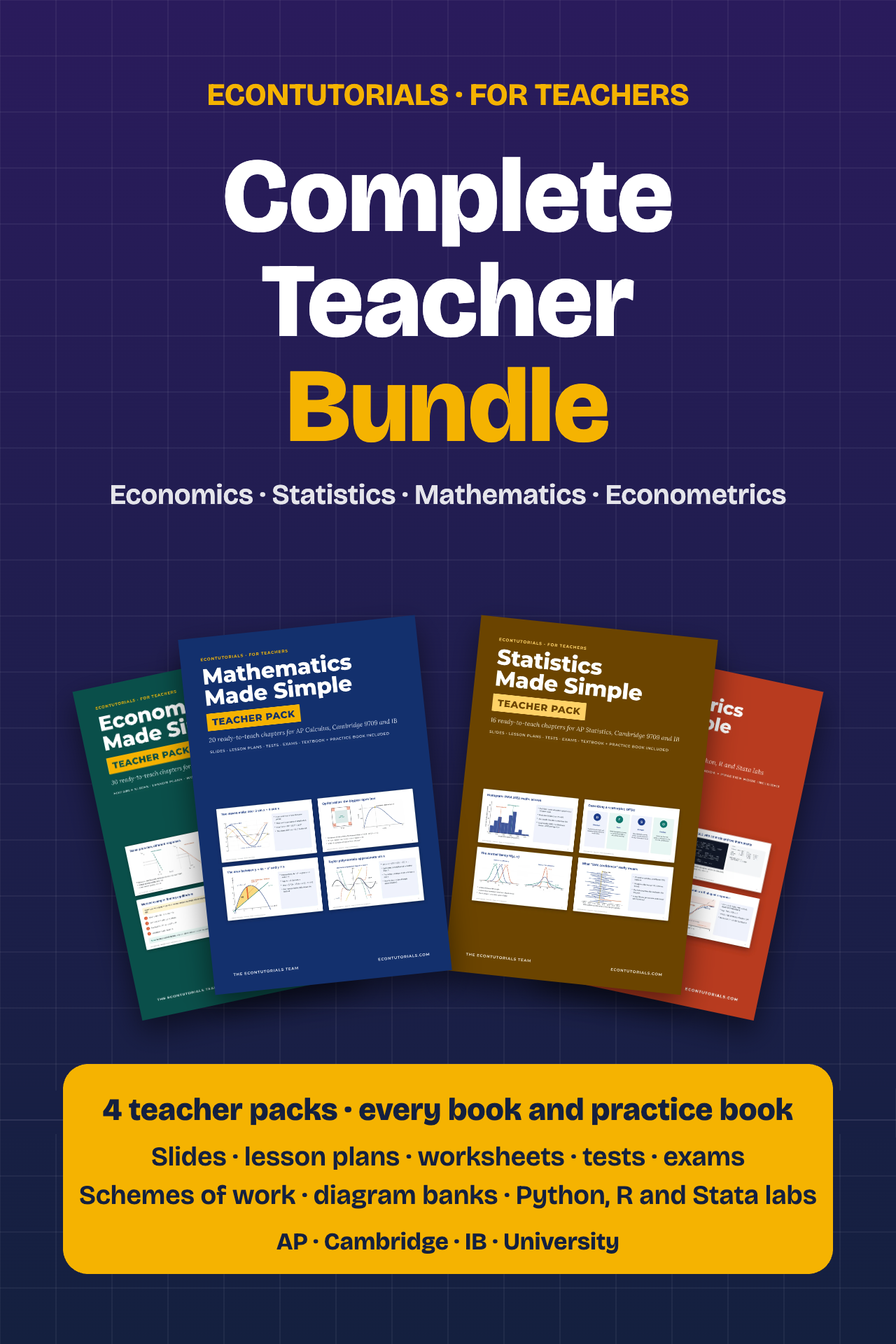
The Complete Teacher Bundle includes all four teacher packs and every Made Simple textbook and practice book: 86 chapters, 1,950 slides and 172 lesson plans.
2. What is in the download
Every pack is organised the same way, so once you know one you know them all. Every document comes as an editable Word or PowerPoint file and as a print-ready PDF.
| Folder | What it contains |
|---|---|
| 00 Start Here | The Teacher Guide (how to use the pack), the Scheme of Work (a year plan with the syllabus or textbook references for every chapter) and a READ ME file. |
| One folder per chapter | Slides (.pptx and .pdf) with speaker notes, Lesson Plan, Worksheet, Worksheet Answers, Chapter Test, Mark Scheme and Exit Tickets. |
| Exams | A Mid-Year Exam and an End-of-Year Exam, each with a full mark scheme, for mocks or end-of-term assessment. |
| Diagram Bank | Every diagram and graph in the pack as a PDF, an editable PowerPoint and high-resolution PNG images for your own worksheets. |
| Data and Code (Econometrics) | The companion datasets and the Python, R and Stata programs used in the computer labs. |
| Student books | The full Made Simple textbook and practice book for the subject, as PDFs for your planning and your own use. |
3. Get started in 7 steps
- Download and unzip every partSave all the ZIP parts and the two student books into one folder on your computer or school drive, then unzip them.
- Read the Teacher Guide (10 minutes)Open 00 Start Here. The guide explains how a chapter is built and how the pack fits your course.
- Open the Scheme of Work and plan your yearIt spreads the chapters across the teaching year with review weeks before each exam. Mark your exam dates first, then work backwards. Each row lists the syllabus codes (AP, Cambridge, IB) or textbook chapters (Wooldridge, Stock and Watson) the chapter covers, so you can skip or reorder to match your course.
- Prepare your first chapter (5 minutes)Read the one-page lesson plan and skim the speaker notes. Print the worksheet and exit tickets.
- Teach Lesson 1 and Lesson 2Every chapter is two 60-minute lessons, timed minute by minute, with slide numbers that match the deck. See the chapter routine below.
- Set homework from the practice bookThe practice book has the same chapter numbers as the pack, so homework is always on what you just taught, with worked answers students can check.
- AssessGive the chapter test at the end of each chapter, and use the two exams as mocks. The mark schemes show exactly where every mark goes, so marking is consistent across a department.
4. Teaching one chapter, start to finish
| When | What to do | Files |
|---|---|---|
| Before | Read the lesson plan and skim the speaker notes. Print the worksheet and exit tickets. Optionally set the textbook chapter as reading for a flipped start. | Lesson Plan, Slides |
| Lesson 1 | Starter, objectives, key terms and worked examples on the slides, with a check-for-understanding question. Students start the worksheet. Finish with Exit Ticket 1. | Slides up to the “Lesson 2” divider, Worksheet, Exit Ticket 1 |
| Lesson 2 | Recap from Exit Ticket 1, the rest of the teaching slides, a real-world case study and the activity. In Econometrics this is a computer lab on the companion data. Finish with Exit Ticket 2 or 3. | Slides from the divider, Worksheet, Exit Tickets 2 and 3 |
| Homework | Questions from the same chapter of the practice book; the worksheet extension task for stronger students. | Practice book, Worksheet Answers |
| Assess | The chapter test (about 50 minutes) at the end of the chapter or later as a cumulative quiz, marked with the mark scheme. | Chapter Test, Mark Scheme |
5. Using the slides
- Every slide is fully editable in PowerPoint, Keynote or Google Slides (File > Import slides). Fonts are standard, so nothing breaks.
- Turn on Presenter View to see the speaker notes: what to ask, the answers, the common misconceptions and how different exam boards phrase the idea.
- On a check-for-understanding slide, ask students to show A, B, C or D on fingers or mini whiteboards before you reveal the answer.
- Add your school logo to the slide master once and it appears on every slide. Hide slides you do not need.
- Export the deck to PDF and share it with students who miss a lesson.
6. Worksheets, exit tickets, tests and exams
- Worksheets have five or six tasks that rise in difficulty and end with an extension. Answers are in a separate file, so you can share them after the lesson or use them for self-marking.
- Exit tickets are three short tickets of three questions each. Sort the responses into “got it / nearly / not yet” and start the next lesson from there.
- Chapter tests have 10 multiple-choice questions, two structured questions and one extended question, with a point-by-point mark scheme.
- Exams: the Mid-Year and End-of-Year papers are full-length mocks with mark schemes, ready for moderation.
7. Econometrics computer labs
In the Econometrics pack, Lesson 2 of every chapter is a lab. The slides show Python code next to its real output, with the R and Stata equivalents, and the companion datasets are in the Data and Code folder. Students can use Google Colab in a browser, so nothing needs installing. Every number on the slides comes from running the code on the data, so students get the same output you show.
8. Differentiation, online and blended teaching
- Each lesson plan has support and stretch suggestions: print the key-term slide as a handout, pair students on the worksheet, or set the extension task and the hardest test question.
- Upload the PDFs or editable files to a password-protected class page such as Google Classroom, Microsoft Teams or Moodle.
- Worksheets and exit tickets turn into Google Forms or Microsoft Forms quizzes in minutes; the answer files give you the key.
9. Licence
Each pack is licensed to one teacher or one school department for unlimited classroom use and printing for their own students, including posting to a password-protected class page. Please do not resell it, share it outside your school or post it on a public website.
Frequently asked questions
Can I edit everything?
Yes. Slides are PowerPoint, and every lesson plan, worksheet, test, mark scheme and exam is a Word file, with a PDF copy of each.
Do my students need to buy the textbook?
No. The pack works on its own, and the textbook and practice book are included for your own planning. Many teachers recommend the books for revision; students can buy them separately in the shop.
Which exam boards are covered?
Economics: AP Micro and Macro, Cambridge 9708 and IB. Statistics: AP Statistics, Cambridge 9709 Statistics and first-year university. Mathematics: AP Calculus AB and BC, Cambridge 9709 Pure and IB Maths AA. Econometrics: university courses, mapped to Wooldridge and Stock and Watson. The Scheme of Work lists the codes for each chapter.
Can I try before I buy?
Yes: each pack has a free sample with real slides, a lesson plan, worksheet, test and mark scheme (links above).
What if I find a mistake?
Write to econotutorials@gmail.com or use the contact page. We fix reported errors and send updated files free of charge.